



Skip to content
View in the app

A better way to browse. Learn more.

DonsTalk

A full-screen app on your home screen with push notifications, badges and more.

To install this app on iOS and iPadOS
  1. Tap the Share icon in Safari
  2. Scroll the menu and tap Add to Home Screen.
  3. Tap Add in the top-right corner.
To install this app on Android
  1. Tap the 3-dot menu (⋮) in the top-right corner of the browser.
  2. Tap Add to Home screen or Install app.
  3. Confirm by tapping Install.

Today's World Cup Games

Mexico and South Africa start off the World Cup tonight at 8 pm, and that's followed by South Korea v Czechia at 3 am. Both games are in Group A.

I think a home win and a draa in those games.

  • Replies 407
  • Views 8.5k
  • Created
  • Last Reply

Top Posters In This Topic

Most Popular Posts

  • RicoS321
    RicoS321

    Reckon we could take both these teams.  Water breaks are fucking gash, get them in the sea. "Referee view" is an abomination.

  • swaddon
    swaddon

    It's a good job this is being shown after the watershed, because that second goal was XXX-rated pure filth.

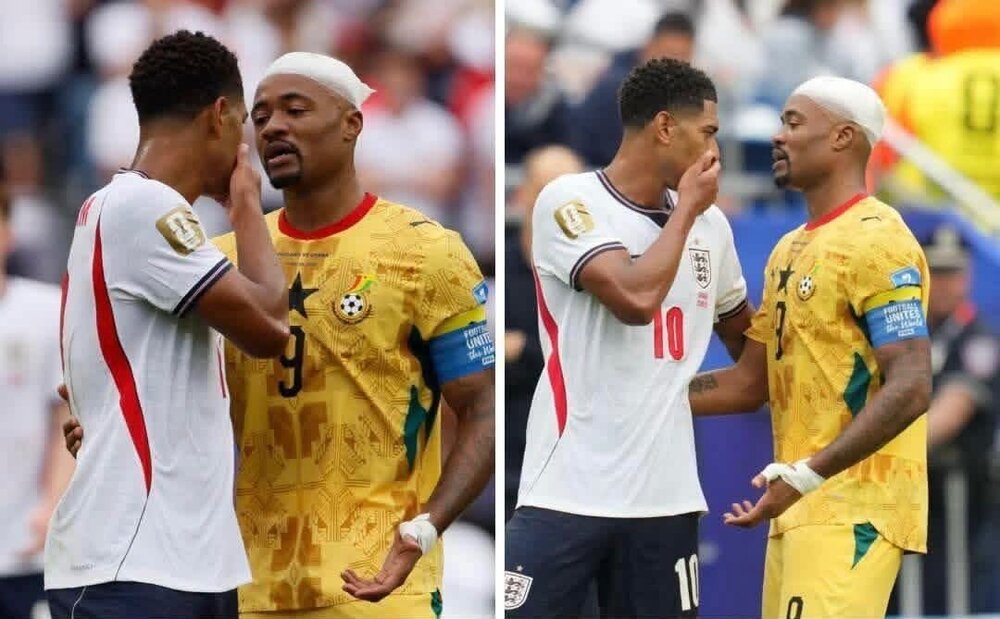
  • Hopefully the good Dr. Congo can prescribe a win over England later.

Posted Images

Featured Replies

2-1 Belgium at half time. Been dominant in first half with US scoring with only shot on target. Cannot see US being as flat in second half.

YASSSS!! 3-1 ... crazy goal :D

Complete howler from US keeper and it’s 1-3.

Weel, in terms o' quality, i's nae exactly been a classic so far.

1-4 Belgium apart from start of second half been in total control. US out.

4-1 .... 93rd minute defensive howler :D

Edited by Radiored

Join the conversation

You can post now and register later. If you have an account, sign in now to post with your account.

Guest
Reply to this topic...

Important Information

Terms of Use

Account

Navigation

Search

Search

Configure browser push notifications

Chrome (Android)
  1. Tap the lock icon next to the address bar.
  2. Tap Permissions → Notifications.
  3. Adjust your preference.
Chrome (Desktop)
  1. Click the padlock icon in the address bar.
  2. Select Site settings.
  3. Find Notifications and adjust your preference.